
Open a note containing tasks
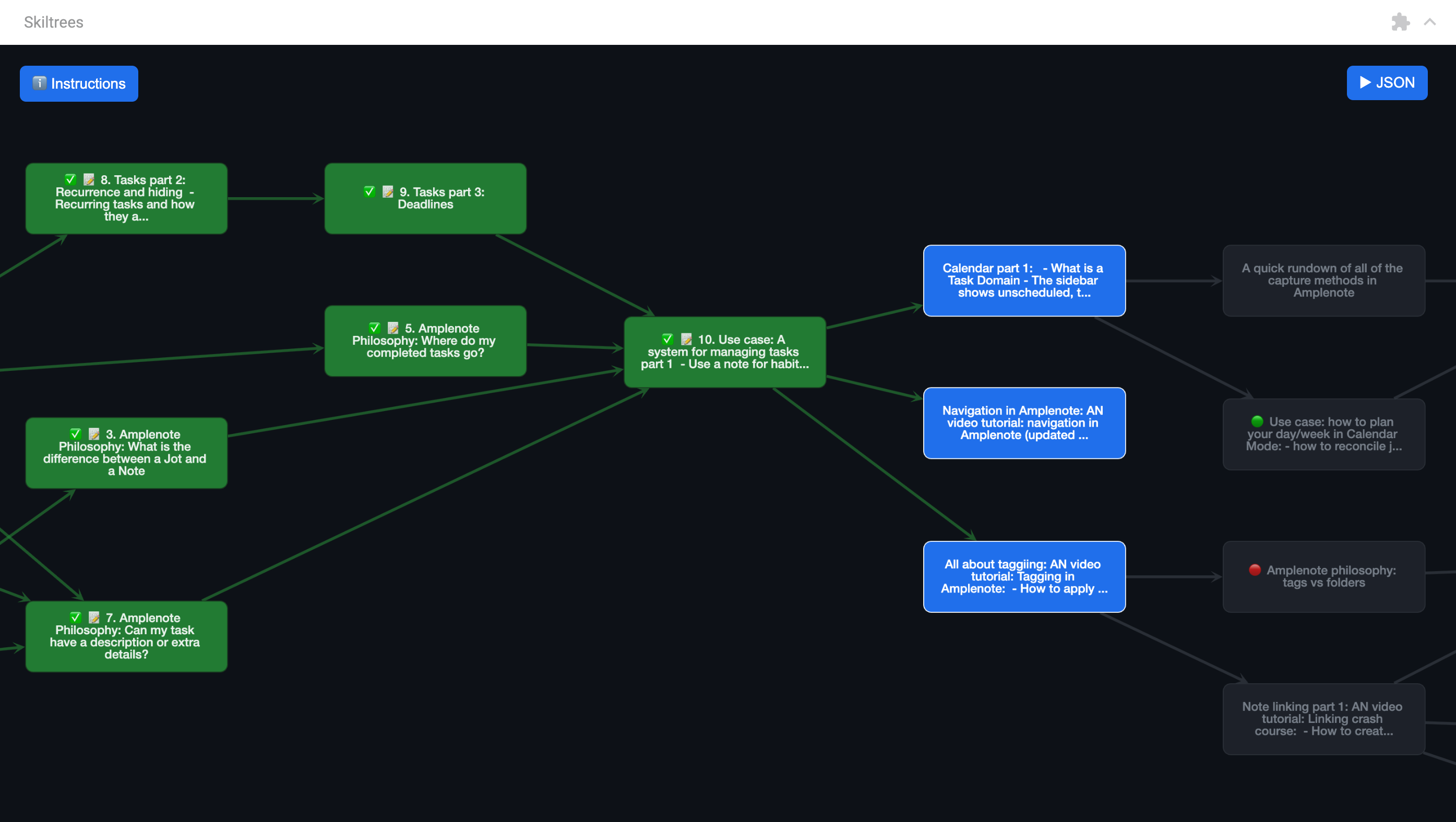
Go to triple-dot note options -> Plugins -> Create skilltree from note
Check out the Instructions menu inside the plugin for more details
You can choose to open the plugin in the right-side Peek Viewer or as a full-screen plugin that gets pinned in the left-handside sidebar.
Changelog:
August 12th, 2026:
When creating a new task (via blocker/blocking task or double-clicking on empty slot):
Pan/scroll to its position
Don't redraw the graph anymore
Snap it to the nearest free "cell" (all tasks now live on a grid)
When syncing changes from the note:
Snap tasks to the nearest free "cell" to the center of screen
Don't redraw or pan around
(And in general remove any automatic redrawing/relayouting of the graph)
Add basic search functionality via Ctrl-F/Cmd-F
Click anywhere inside the plugin first to make sure it's "focused" for the hotkey to work
Otherwise use the search icon in the top left corner
Add a beta "gantt" functionality:
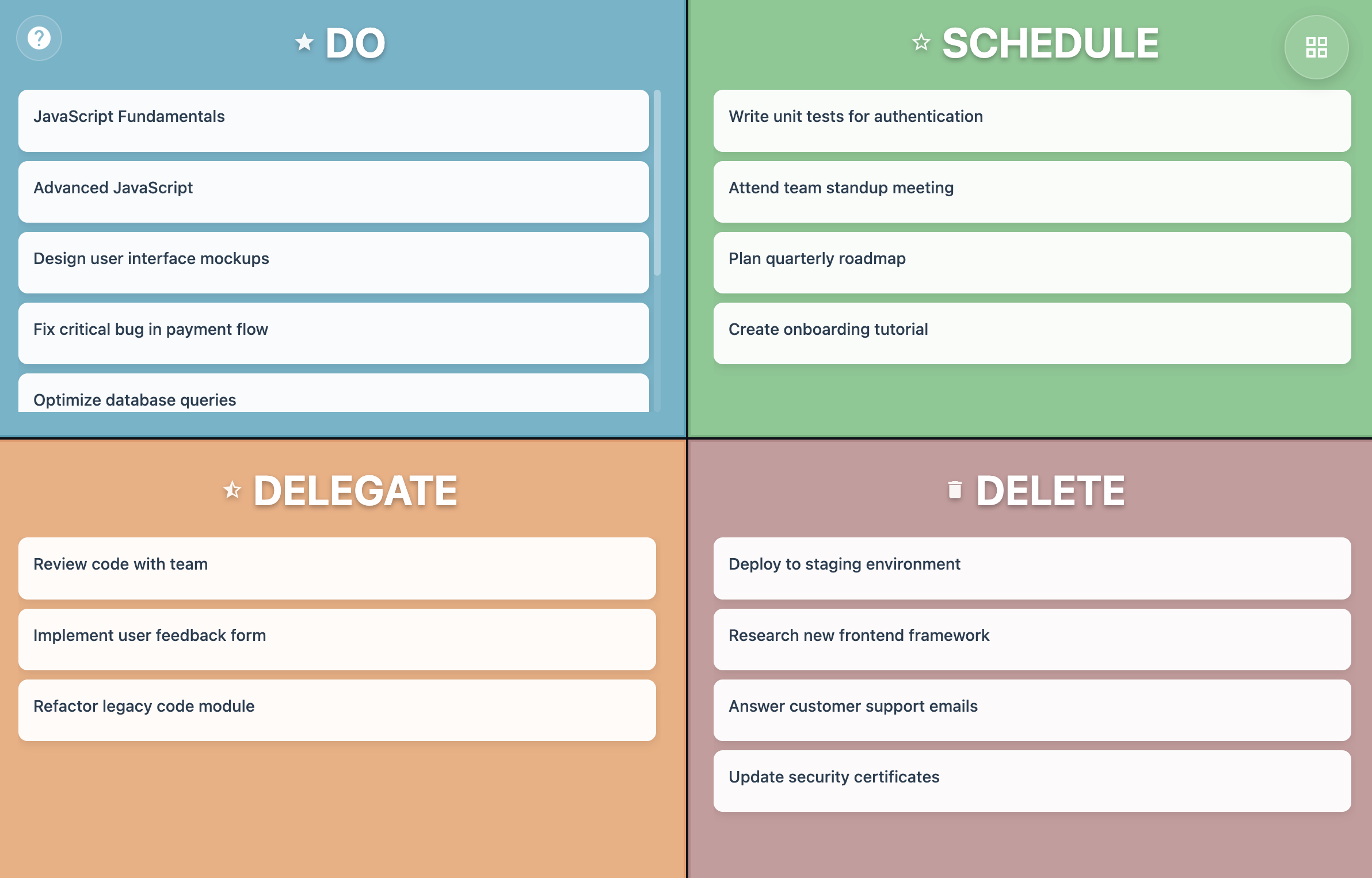
Switch between graph, gantt and matrix using the button in the top left corner
Tasks are sorted from left to right based on actionability
A task is more actionable if, in this order:
It has fewer blockers
It has a sooner deadline
It has a sooner start date
It is urgent
It is important
July 13th, 2025:
Added support for Eisenhower matrix
Visual makeover
Support for removing task linking from task labels
July 4th, 2025:
Plugin can now be opened fullscreen
Collapse JSON sidebar by default
June 12th, 2025:
Create triple-dot options menu in top right corner
Add option to highlight leaf nodes